
Skip to content
Close
NBS_Google-Pay-Landing-Hero-Banner-1

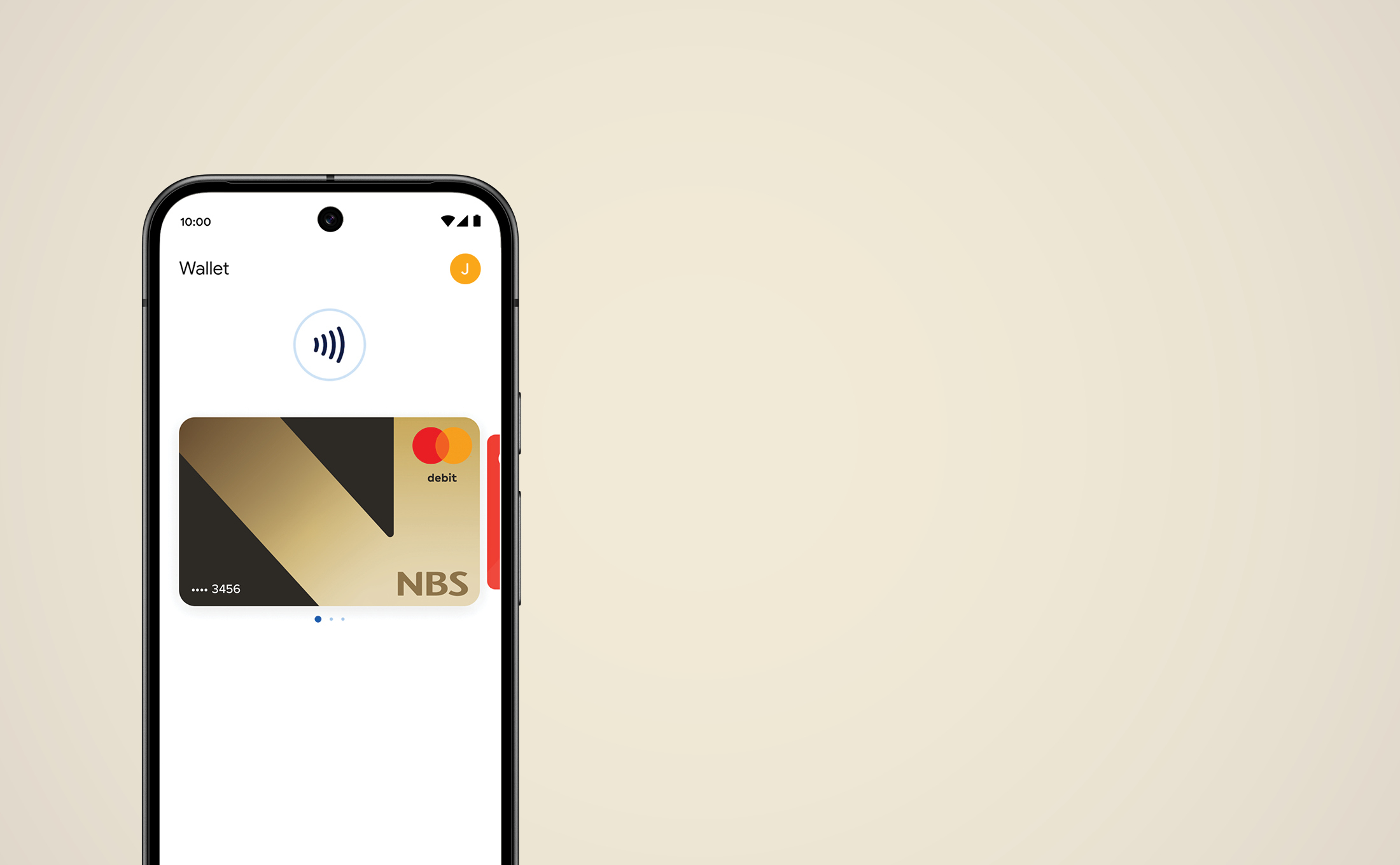
Pay the fast, safe and easy way with Google Pay™

Add your card to Google Wallet
Use Google Pay at checkout online or in person 

You can use Google Pay to speed through checkouts with just a click or a tap. Pay the fast, safe and easy way online and in person with Google Pay, using your cards saved in Google Wallet.

Getting started is simple

You can set up Google Pay and your NBS Debit Mastercard to Google Wallet in a few simple steps.

If you haven't already got the NBS Mobile Banking app, you'll need to download it.

NBS_Google-Pay_Device-mockup_Step1

Step 1


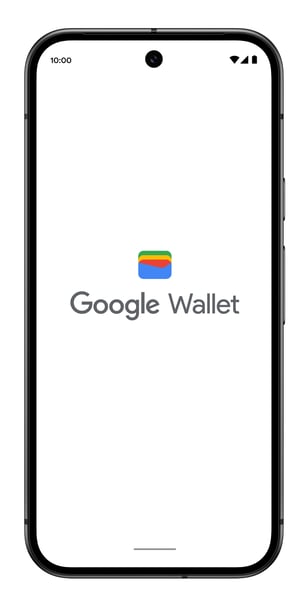
Download the Google Wallet app on Google Play, or tap its icon if you already have it installed.
NBS_Google-Pay_Device-mockup_Step2

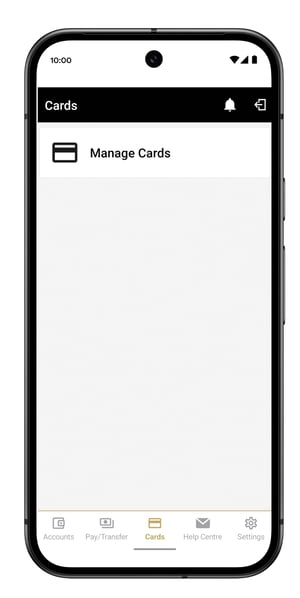
Step 2


 Log in to the NBS Mobile Banking app tap 'Cards' then 'Manage Cards' and select the card you want to add to Google Wallet.
NBS_Google-Pay_Device-mockup_Step3_blur

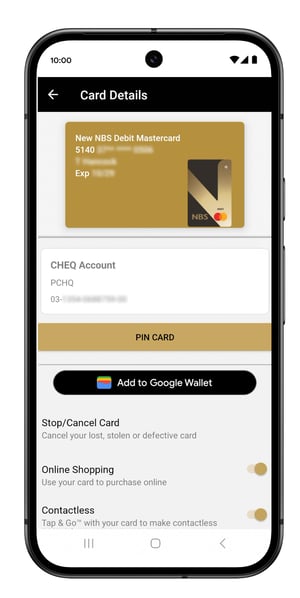
Step 3


Tap 'Add to Google Wallet' and follow the verification steps as instructed.
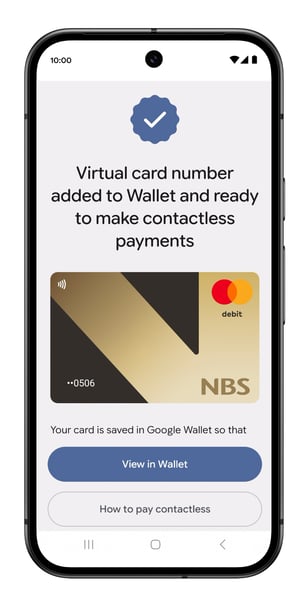
NBS_Google-Pay_Device-mockup_Step4

Step 4


Your card is now saved in Google Wallet and you’re all set!

Pay with peace of mind. All the time

Google Pay gives you transparency on how your data is used, has easy-to-use privacy controls, and protects you with advanced security — all to keep your money and private information safe.  
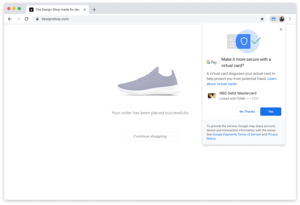
NBS_Google-Pay_Opt-in_desktop-screen
Google Pay will never sell your transaction history to 3rd parties and won't share it with the rest of Google for targeting ads.

With security built-in to protect you before, during, and after every payment, using Google Pay is safer than swiping your card or paying with cash.  

Google Pay verifies it’s you each time you open the app, so no one can pay or send money but you. 
NBS_Google-Pay_VCN-mobile_payment_sml

In-store payments

How to set up tap to pay

1. Set up your Android for easy contactless payments. Just add your credit or debit cards to Google Wallet to get started.

2. When you’re ready to pay, unlock your phone, hold it near the reader, and look for the check mark. That’s it!

Tap to pay with Google Pay makes checkout effortless

Enjoy convenient and secure checkout with your phone everywhere Google Pay and contactless payments are accepted. Add your NBS Debit Mastercard to Google Wallet and when you’re ready to checkout just tap and go, knowing that your payments are safely encrypted before, during, and after every purchase.

Add your NBS Debit Mastercard to Google Wallet and tap to pay everywhere Google Pay and contactless payments are accepted.

Pay with your phone everywhere Google Pay or contactless payments are accepted. Just unlock it, hold it to the reader, and look for the check mark. That’s it!

Built-in protection before you pay

With security built-in to protect you before, during, and after every payment, using Google Pay is safer than swiping your card or paying with cash.

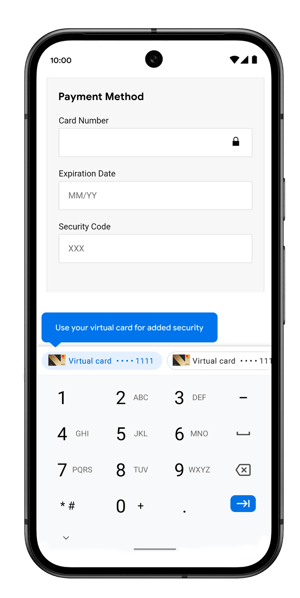
Contactless payments are more secure than swiping your card because merchants won’t receive your real card number. Google Pay uses a Virtual Account Number that protects your payment info.

When you tap to pay with your Android phone, Google Pay doesn’t share your actual card numbers with the business, so your payment info stays safe.

Checkout online with Google Pay

Speed through checkouts with just a click Pay the fast, safe and easy way online with Google Pay, using your cards saved in Google Wallet.

Pay at millions of businesses You can use Google Pay at millions of businesses. Pay in apps, on websites, and everywhere contactless payments are accepted.
How to checkout online with Google Pay

1. At checkout, tap the Google Pay button.

2. If asked, choose a payment method and enter your shipping address.

3. Confirm your order.

Look for the Google Pay button at checkout.

Check out without an account No need to create accounts on every new app or site. Paying is simple and secure wherever Google Pay is accepted — even if it’s your first visit.
You’re in control of your data

Google Pay gives you transparency on how your data is used, has easy-to-use privacy controls, and protects you with advanced security - all to keep your money and private information safe.

Google Pay will never sell your transaction history to 3rd parties and won't share it with the rest of Google for targeting ads.

NBS_About-Get-in-touch_Banner_v2

Need help?

If you need assistance setting up Google Pay